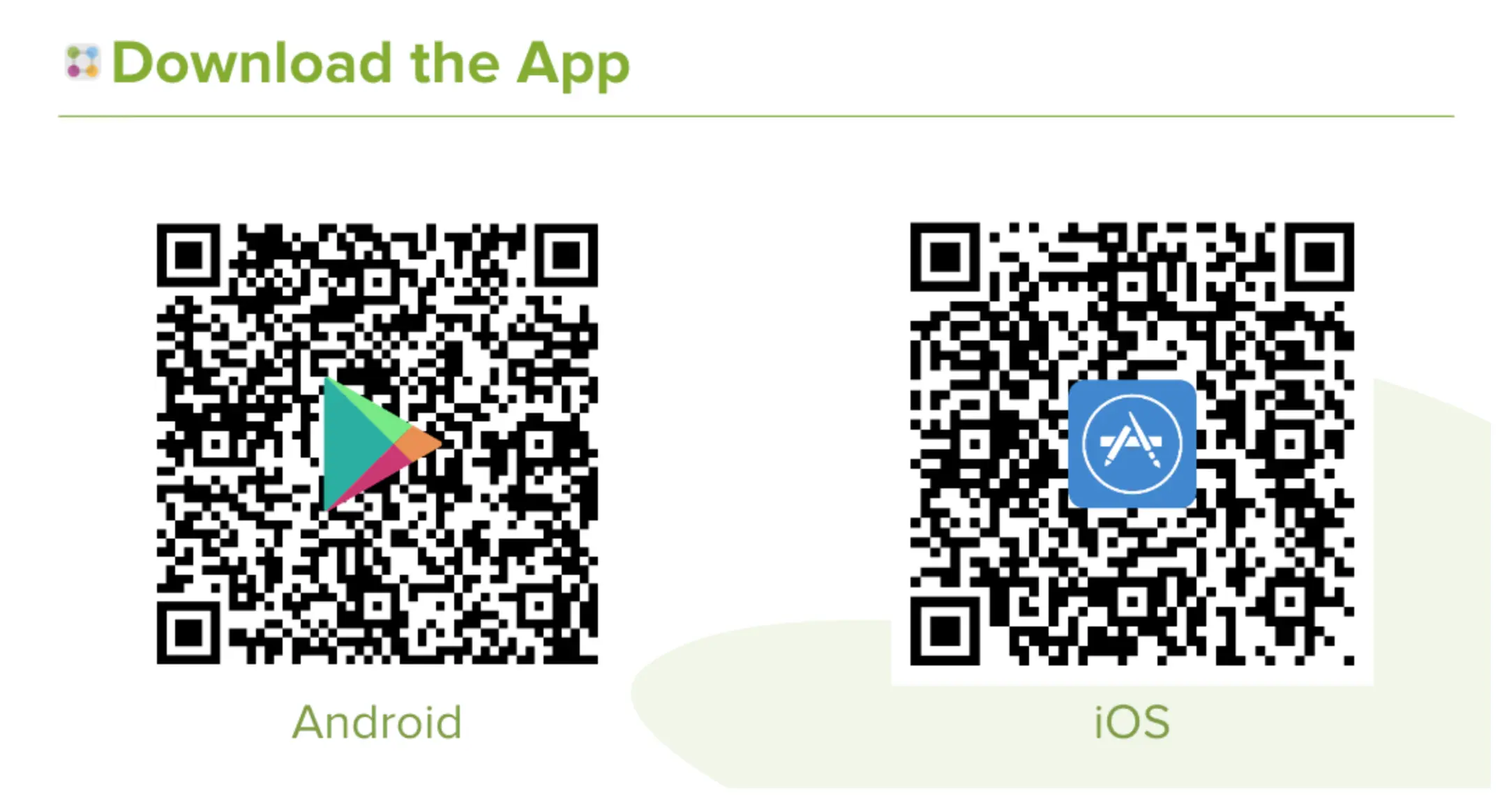
Activate your ParentSquare account:
An account is automatically created for each parent or guardian using the contact information in our student information system and your school will send you an invitation using your email address or phone number on file.
- Open the invitation from ParentSquare in your email or text messages.
- Click Activate your account or tap the link to go to the account registration page.
- Enter your email or phone number, then click Get Started. (Optional: You can also sign in with Google or Microsoft.)
- Check your contact information. If it looks correct, click Confirm. You’ll receive a code by text or email.
- Enter the verification code when asked.
- You’ll see your children’s names. Click Confirm next to each child who should be connected to your account. If a child is listed by mistake, click Not my child.
- If everything looks correct, click: Yes, this is me.
Now you’re ready to start using ParentSquare!